
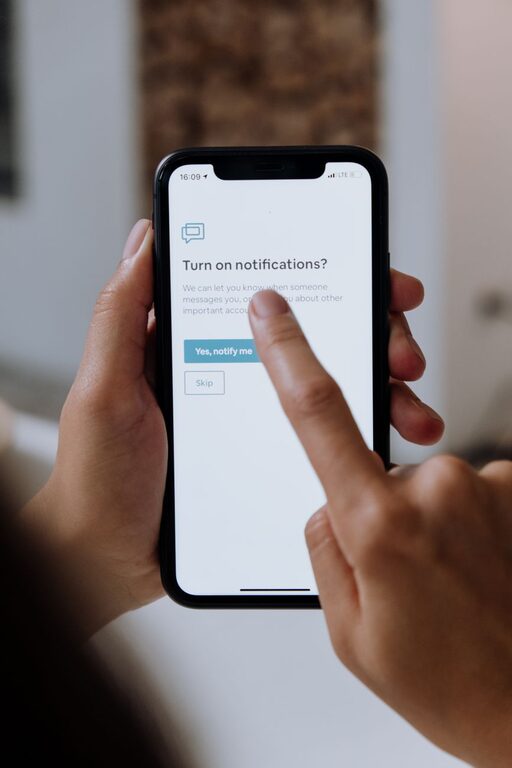
In today’s connected world, notifications from our smartphones, computers, and apps constantly demand our attention. While these alerts can be helpful to keep us informed, they often interrupt our focus and increase stress levels. Setting clear boundaries with notifications is essential for improving productivity, reducing distractions, and maintaining mental well-being.
In this post, you’ll find practical tips on how to take control of your notifications and create a balanced digital environment.
Why Setting Boundaries with Notifications Matters
Notifications are designed to grab our attention, often triggering an immediate response. This can lead to:
– Frequent distractions that break concentration
– Increased stress due to constant alertness
– Difficulty focusing on important tasks
– Reduced quality of rest when notifications occur at night
By consciously managing notifications, you reclaim control of your time and attention, allowing for more focused work, better relaxation, and overall improved quality of life.
Step 1: Audit Your Notifications
Begin by understanding which apps and services are sending you notifications.
– Review your devices: Check notification settings on your phone, tablet, and computer.
– Identify sources: Make a list of apps, social media platforms, messaging services, and email accounts that generate alerts.
– Assess importance: Decide which notifications are genuinely useful and which ones are unnecessary or low priority.
This audit will form the foundation for creating tailored notification boundaries.
Step 2: Customize Notification Settings
After identifying the sources of notifications, adjust settings to fit your needs.
Prioritize Essential Notifications
– Enable alerts only for important contacts or apps.
– Disable or mute notifications from apps that frequently send irrelevant or excessive alerts.
– Use features like “Do Not Disturb” or priority mode to allow only critical notifications during specific times.
Utilize Settings for Different Types of Notifications
– Choose between banners, sounds, vibrations, or badges.
– Turn off sound or vibration for less urgent notifications.
– Consider setting silent or minimal notifications to reduce distraction.
Step 3: Create Notification-Free Time Zones
Establish specific periods during your day when notifications are silenced or minimized to help dedicate focused time or relaxation.
– Work sessions: Use “Do Not Disturb” mode during deep work periods.
– Evenings: Silence notifications to wind down and prepare for sleep.
– Weekends or breaks: Limit notifications to avoid digital overwhelm.
Using device features or third-party apps can automate these time-based boundaries.
Step 4: Leverage Technology Tools
Make use of built-in and third-party tools designed to manage notifications effectively.
– Focus modes: Many operating systems offer customizable focus modes that filter notifications.
– Notification summaries: Group less important notifications to be delivered at scheduled times.
– App timers: Limit usage and notifications from distracting apps.
Experiment with different tools to find what best supports your productivity and wellbeing.
Step 5: Communicate Your Boundaries
If you receive many notifications from work, social groups, or family, letting others know about your boundaries can help manage expectations.
– Inform colleagues about your preferred communication times.
– Use status messages or auto-responses to indicate when you are unavailable.
– Encourage others to use priority messaging features when reaching you.
Clear communication helps reduce pressure to respond immediately and supports your efforts to focus.
Step 6: Regularly Reassess and Adjust
Notification needs often change over time, so it’s important to revisit your settings periodically.
– Re-evaluate which notifications you receive and their impact.
– Adjust boundaries as your workload or lifestyle changes.
– Stay mindful of new apps or services that may introduce additional notifications.
Consistency combined with flexibility ensures your notification system remains effective.
Additional Tips for Managing Notifications
– Turn off unnecessary email notifications: Limit to only essential newsletters or messages.
– Batch process notifications: Set specific times to check non-urgent notifications instead of responding immediately.
– Use visual cues: Disable sounds to reduce stress, relying instead on visual notification badges.
– Avoid multitasking: Responding to notifications while working can reduce efficiency; try to handle them separately.
Conclusion
Managing notifications is a key step toward a more focused, balanced digital life. By auditing your alerts, customizing settings, creating notification-free zones, leveraging technology, communicating boundaries, and regularly reassessing your approach, you can reduce distractions and stress.
Take small steps to set healthy boundaries with notifications, and you’ll likely notice improvements in your productivity, relaxation, and overall well-being. Remember, your attention is valuable—protect it wisely!
About the Author